Table of Contents
- How Electronic Locking Systems Have Changed Access Control
- Keyless Entry System Pros and Cons for Homes and Businesses
- Security, Encryption and Audit Trails: What Electronic Locking Systems Do Better
- Electronic Lock Maintenance Tips to Avoid Lockouts and Battery Failure
- Smart Lock Installation Cost: What Affects the Price
- Cybersecurity, Accessibility and Sustainability: The Angles Most Guides Skip
- Frequently Asked Questions
Last Updated: September 15, 2026
How Electronic Locking Systems Have Changed Access Control
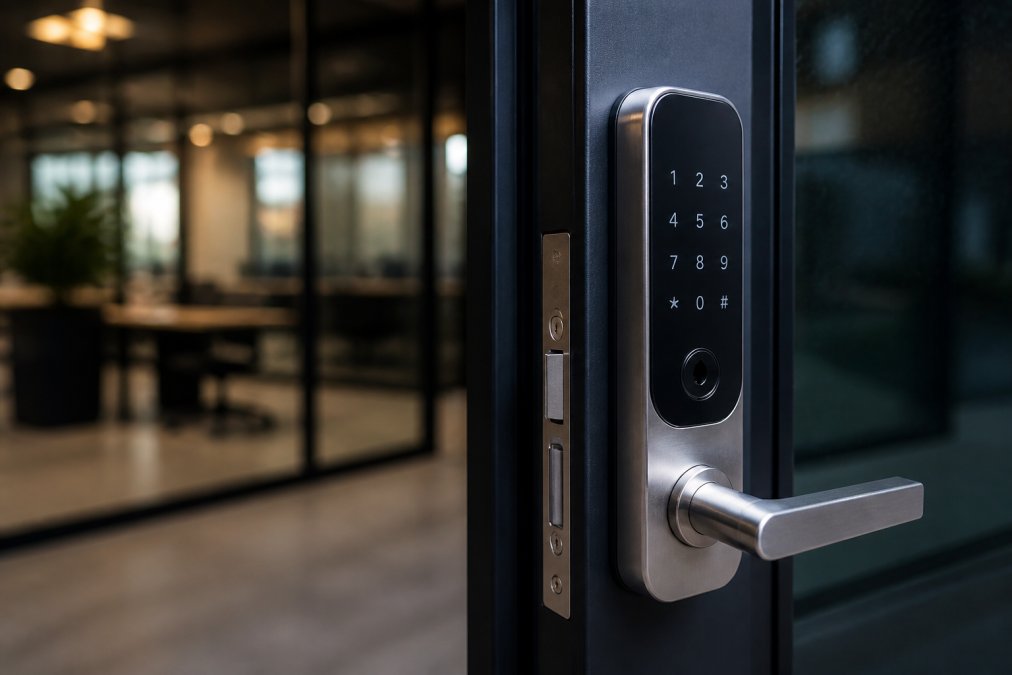
Electronic locking is the use of keypads, fobs, smartphones or biometric readers instead of a physical key to control who enters a door. The global smart door lock market was valued at $4.22 billion in 2026 and is projected to reach $17.75 billion by 2034, a 19.70% compound annual growth rate, according to Fortune Business Insights smart door lock market report. At Morayfield Locksmiths, we’ve watched that shift move from commercial buildings into everyday homes.
The change is structural, not cosmetic. A mechanical lock grants access to whoever holds the key, and revoking that access means re-keying the cylinder. An electronic lock grants access to a credential you can delete in seconds.
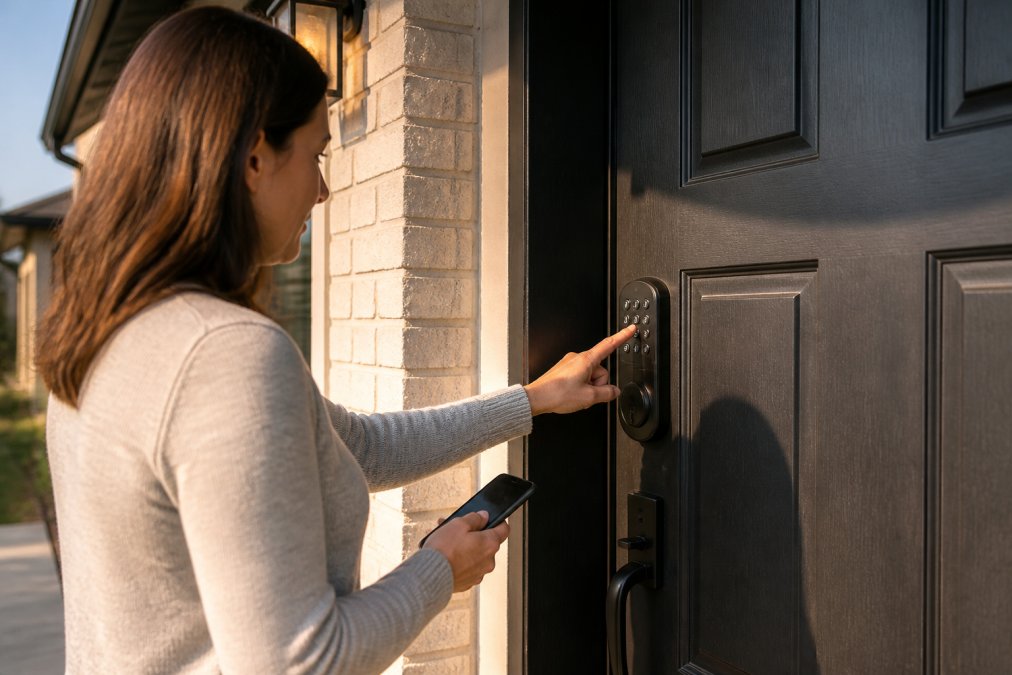
That single difference, credential management rather than key management, is what reshaped access control. Keypad locks alone hold an estimated 60.7% share of the digital door lock market in 2026, driven by affordability and ease of use, per Coherent Market Insights digital door lock system analysis.
Keyless Entry System Pros and Cons for Homes and Businesses
Keyless entry removes the two most common failure points in building security: lost keys and copied keys. It also introduces two new ones: power dependency and digital exposure.
The pros are well documented. Research from ResearchGate’s overview of smart lock systems found that smart lock technology eliminates the need for physical keys, reduces the risk of lost keys and simplifies access management overall. Electronic locks are also harder to pick or duplicate than mechanical locks, and they support data encryption, digital access logs and temporary codes for visitors or tradespeople, according to News Market US smart lock statistics.
The cons deserve equal weight. Digital locks depend on encryption quality, hacking resistance and reliable backup access, and they can fail through battery depletion or electronic malfunction in ways a mechanical lock never will, as iLOQ’s analysis of digital lock maintenance notes.
| Factor | Mechanical Lock | Electronic Lock |
|---|---|---|
| Key loss risk | High, requires re-keying | None, revoke credential |
| Power dependency | None | Battery or mains |
| Access logs | Not possible | Automatic audit trail |
| Temporary access | Key handover only | Timed PIN or app code |
| Pick resistance | Moderate | High |
A flat battery on an electronic deadlock with no mechanical override and no spare key is a lockout, not an inconvenience. Confirm your lock has a physical override or a keyed backup cylinder before you rely on it as your only entry point.
Security, Encryption and Audit Trails: What Electronic Locking Systems Do Better
Electronic locking systems outperform mechanical locks on three fronts: they resist picking and key duplication, they record who entered and when, and they let you set user permissions per person rather than per key.
That audit trail matters more than most buyers realise. A digital access log shows exactly which credential opened a door and at what time, which is invaluable for commercial premises tracking staff movements or investigating an incident. Multi-factor authentication adds a second layer, pairing a PIN code with a fob or mobile app control so a stolen credential alone won’t open the door.
Tamper alerts and fail-safe or fail-secure configurations round out the picture. Fail-safe unlocks on power loss for fire egress; fail-secure stays locked. Choosing the wrong one is a safety issue, not a preference.
On commercial doors, match the fail mode to the door’s function, not to convenience. Egress doors need fail-safe so people can always exit. Storage and plant rooms usually want fail-secure so a power cut doesn’t open them.
Electronic Lock Maintenance Tips to Avoid Lockouts and Battery Failure
Electronic lock maintenance comes down to a handful of habits, and skipping any one of them is how most lockouts happen. The checklist below is the routine most locksmiths recommend; the troubleshooting guide underneath it is the part most articles leave out.
The routine
- Replace batteries on a schedule, before the low-battery warning becomes a dead lock, most keypad deadlocks and smart locks run on four AA alkaline cells and give weeks of audible or app warning before they fail, so treat the first chirp as a deadline, not a suggestion
- Clean keypads and biometric scanners with a dry or lightly damp cloth, never solvents, and never abrasive pads that scratch the sensor window
- Test the mechanical override and backup key every few months, not just when you need it
- Check the lock cylinder and strike plate for alignment so the motor isn’t fighting a misaligned door, a door that has dropped on its hinges will burn through batteries and eventually strip the motor
- Review user permissions quarterly and delete credentials for people who no longer need access
- Check the manufacturer’s firmware update path and apply updates, since many cloud-connected locks patch security flaws through firmware rather than hardware
When the battery dies: a step-by-step recovery
- Use the mechanical override first. Nearly every quality electronic deadlock has either a keyed cylinder or a concealed keyway under a cap. This is why the override test belongs in the routine above, you want to know it works before you need it.
- Try a 9V jump-start if the lock supports it. Many keypad deadlocks have two terminals on the exterior face specifically for this. Hold a 9V battery against the terminals and enter your code; the lock should open long enough for you to change the internal batteries.
- Check for a USB-C or micro-USB emergency port. Some newer smart locks accept a power bank through a port on the exterior. This is a manufacturer-specific feature, so confirm it exists on your model before relying on it.
- If neither works, call a locksmith. Do not drill the lock. A locksmith can usually open a failed electronic deadlock non-destructively and replace the batteries or the unit.
Why batteries fail faster than owners expect
Battery life depends on how often the lock is used, whether it drives a motor or just a solenoid, whether it has a keypad backlight or a camera, and how cold the door gets. A lock on a busy front door in a cold climate can drain in months, while the same lock on an internal door may last over a year. Wi-Fi and cloud-connected locks draw more than standalone keypad models because the radio is always listening. If your lock reports battery level through an app, set a reminder at 30% rather than waiting for the low-battery alert.
Network and cloud dependency
The same logic applies to cloud-based access. If the lock depends on a network, confirm what happens when that network drops: does the lock fail to the last known state, does it keep working with cached credentials, or does it lock everyone out? Ask the installer to demonstrate the offline behaviour before you sign off on the job.
A flat battery on an electronic deadlock with no mechanical override and no spare key is a lockout, not an inconvenience. Confirm your lock has a physical override or a keyed backup cylinder before you rely on it as your only entry point.
Keep a spare mechanical key somewhere other than inside the house, with a neighbour, in a key safe, or with a trusted family member. The override only helps if you can reach the key when you’re standing outside.
Smart Lock Installation Cost: What Affects the Price
Smart lock installation cost depends on the door, the wiring, and whether you’re retrofitting or building new. There is no single figure, and any provider quoting one over the phone before seeing the door is guessing.
What moves the number:
- Door material and thickness, since solid timber and metal doors need different preparation
- Whether existing wiring supports the lock or a power run is needed
- Lock type, from a basic keypad deadlock to a full access control system with RFID or NFC readers
- Number of doors and whether they need to be networked together
- Integration with existing CCTV, alarms or smart home systems
For a firm quote on your property, speak to Morayfield Locksmiths directly, since pricing depends on the specific door and system.
Cybersecurity, Accessibility and Sustainability: The Angles Most Guides Skip
Cybersecurity: what to actually ask about
Accessibility: the argument rarely made
Sustainability: the honest trade-off
The best electronic locking system for a home is the one with a mechanical override, a clear battery schedule, and credentials you can revoke remotely. Everything else is a feature.
Frequently Asked Questions
What are the downsides of digital locks?
Digital locks depend on batteries and electronics, so a flat battery or power outage can lock you out if you have no backup. They also cost more upfront than a mechanical deadbolt and may need professional servicing. Security relies on encryption quality, so cheap models with weak protocols are a real risk. Maintenance is more involved than wiping down a keyhole, and older users sometimes find app-based control harder to manage than a physical key.
Are electronic locks safer than key locks?
Electronic locking systems are harder to pick or duplicate than mechanical locks, and features like digital encryption, tamper alerts and audit trails give you visibility a key cannot. The catch is that safety depends on the quality of the lock. A well-installed electronic lock with multi-factor authentication and a mechanical key override is generally more secure than a standard deadbolt, but a poorly configured smart lock can introduce new vulnerabilities.
Do electronic locking systems require a professional locksmith for installation?
Most electronic locking systems are best installed by a licensed locksmith. Door preparation, strike plate alignment and wiring for hardwired models all affect how well the lock performs. A professional also configures user permissions, PIN codes and audit trail settings correctly. DIY installation is possible on some retrofit models, but mistakes with the lock cylinder or door frame can leave the door insecure or the lock jamming within weeks.
How do electronic locks perform during a power outage?
Battery-powered electronic locks keep working during a mains outage because they run on internal batteries, not household power. Hardwired or cloud-based access systems should have a battery backup fitted. The bigger risk is a flat battery going unnoticed, so set a low-battery alert and keep a mechanical key override or emergency override code available. A locksmith can fit a fail-safe or fail-secure configuration depending on whether the door needs to stay locked or open during an emergency.