Table of Contents
- What a Commercial Access Control System Actually Does
- Cloud-Managed vs On-Premise Access Control
- Keyless Entry Systems for Business: Mobile Access and Biometrics
- Access Control Installation Cost: What Drives the Price
- Access Control Maintenance and Compliance in Australia
- Cybersecurity and Legacy Migrations: What Most Guides Miss
- Frequently Asked Questions
Last Updated: September 18, 2026
What a Commercial Access Control System Actually Does
The global access control market reached $12.72 billion in 2026, and the reason is simple: a commercial access control system is the infrastructure that decides who gets through which door, when, and under what conditions. At Morayfield Locksmiths, we have provided comprehensive security solutions across the Moreton Bay region since 1994, and the principle has not changed: every entry point should be a decision, not an open invitation.
That definition matters because it separates access control from ordinary locks. A lock keeps people out. An access control system records who came in, when, and whether they were allowed to. It combines hardware, software, and credentials into one managed framework.
Key Components: Door Controllers, Readers and Credentials
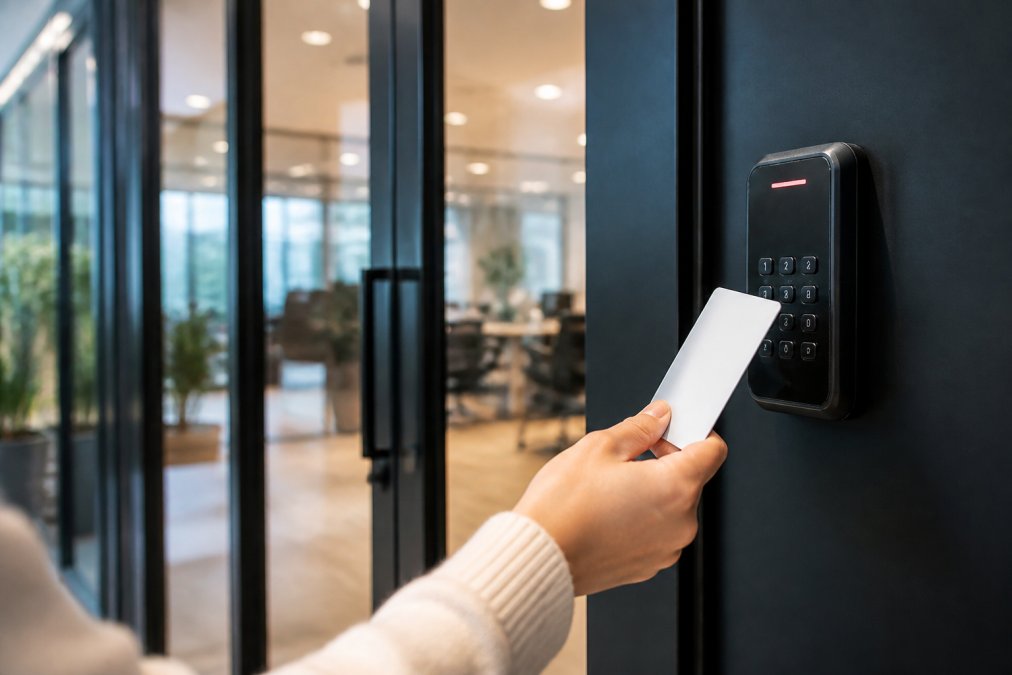
Door controllers are the brains of the system. They receive a credential signal, check it against the user database, and trigger the electronic lock. Readers capture the credential, whether that is a proximity reader, keycard, fob, smart card, or biometric scanner. Credentials are what the user carries or presents. The software layer ties it together: permission levels, access logs, audit trails, and remote management.
Get any one component wrong and the whole system underperforms. A quality reader on a cheap controller is wasted money.
Cloud-Managed vs On-Premise Access Control
Cloud-managed platforms host the management software in a vendor data centre and push updates without an on-site server. On-premise systems run that software on hardware you own, inside your building. The functional difference is small; the operational, legal and cost differences are not.
What actually changes between the two
| Factor | Cloud-Managed | On-Premise |
|---|---|---|
| Upfront cost | Lower hardware spend; reader and controller only | Higher, server, UPS, rack space, cooling |
| Ongoing cost | Per-door subscription, billed monthly or annually | Maintenance, IT labour, hardware refresh cycle |
| Remote management | Native, manage every site from one login | Limited, or via a VPN add-on |
| Scalability | Add doors by licensing them | Requires additional hardware and capacity planning |
| Software updates | Vendor-pushed, usually automatic | Manual, and often deferred |
| Data location | Vendor’s data centre, confirm the jurisdiction | Your premises, under your control |
| Outage behaviour | Depends on local controller caching | Fully local; unaffected by internet loss |
| Best for | Multi-site portfolios, growing teams, limited IT staff | Single sites with strict data-handling rules or poor connectivity |
The Australian considerations most guides skip
Data residency and privacy. Access logs contain personal information, names, credential IDs, timestamps, sometimes photographs. That makes them subject to the Privacy Act 1988 (Cth) and the Australian Privacy Principles, including APP 8 on cross-border disclosure. If a cloud vendor stores your logs offshore, you need to know where, and you need that disclosed in your privacy policy. Ask the vendor directly: which country hosts the data, which country hosts the backups, and who can access them. On-premise sidesteps this entirely because the data never leaves the building.
Connectivity. Cloud management assumes a reliable internet link. In metropolitan areas that is usually fine; on industrial sites, in basements, or in regional premises it is not.
Choosing cloud purely on upfront price is a common mistake. The subscription compounds across every door, every year, and it rarely decreases. Model five years of fees, plus the cost of the internet link you now depend on, before deciding.
A hybrid setup suits many commercial sites: cloud management for convenience, with controllers that hold a local credential cache so doors keep working during an outage. You get remote visibility without betting the building on the NBN.
Keyless Entry Systems for Business: Mobile Access and Biometrics
Mobile access and biometric authentication are now standard priorities rather than premium extras. Avigilon’s 2026 access control trends identifies touchless entry, remote management, and unified security systems as the defining shifts of the year. Industry guidance from Acre Security’s 2026 outlook points to mobile credentials, biometrics, and IP/PoE infrastructure as the direction commercial sites are moving.
Access Control Installation Cost: What Drives the Price
Most guides stop at “it depends”. That is true but useless for budgeting. What follows is the structure of a real commercial access control cost, so you can build a defensible number before you request quotes.
The five cost layers
1. Hardware (per door). Each controlled door needs a reader, an electric lock or strike, a request-to-exit device, and either a local controller or a connection back to a central one. Doors that already have a suitable electric strike or maglock are cheaper; doors that need one fitted, plus power run to the frame, are not. A door with no existing cabling is the most expensive kind of door.
Building a five-year total cost of ownership
Upfront price is the smallest part of the decision. A workable TCO model has four columns:
- Year 0, capital: hardware, cabling, labour, commissioning, any integration.
- Years 1-5, recurring: subscription or licence renewals, support contract, internet link if cloud.
- Years 1-5, maintenance: scheduled servicing, battery replacement in locks and UPS units, reader cleaning, firmware management.
- Years 3-5, refresh: credential reissue, reader replacement as standards move on, and the cost of migrating off end-of-life hardware.
Why we quote after inspection, not over the phone
A phone quote is a guess dressed as a number. The variables that move the figure most are all things you can only see on site:
- Number of doors, and whether each needs its own controller
- Reader type, proximity, smart card, mobile, or biometric
- Cabling distance, and whether conduit already exists
- Whether legacy hardware needs removal and disposal
- Integration with existing CCTV, alarm or intercom infrastructure
- Site access conditions and out-of-hours working requirements
Ask every installer for a five-year TCO, not a hardware price. The cheapest Year 0 quote is frequently the most expensive system by Year 4, once subscriptions, servicing and refresh are counted.
Access Control Maintenance and Compliance in Australia
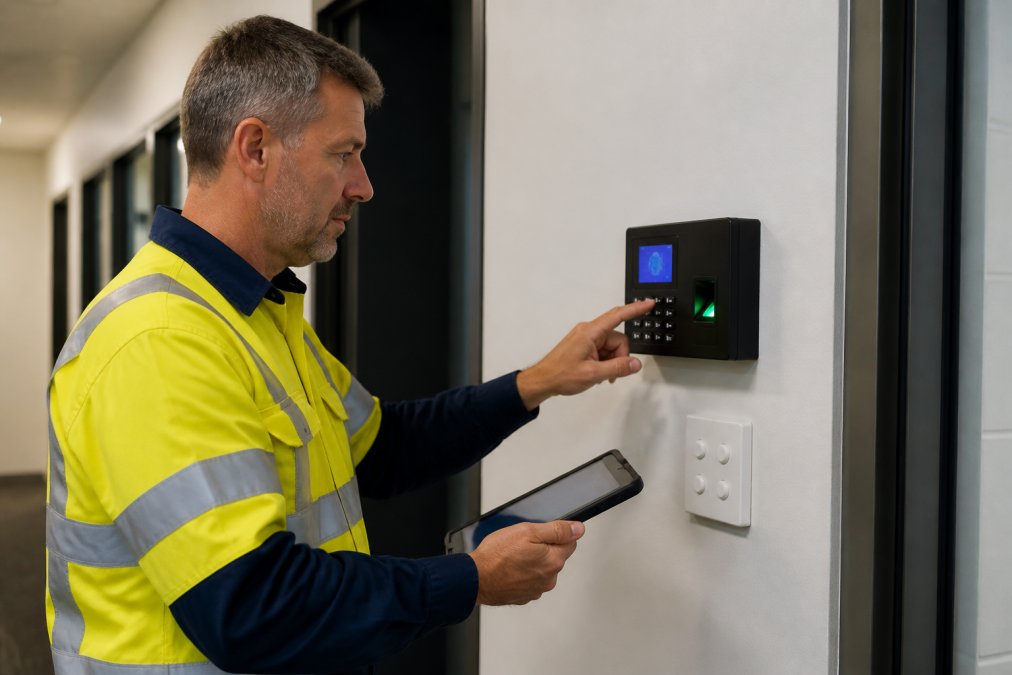
Schedule credential audits the same week you run fire drills. The two rarely happen together, and emergency lockdown procedures depend on knowing exactly who holds valid access.
Cybersecurity and Legacy Migrations: What Most Guides Miss
Two gaps appear in nearly every commercial access control system guide: cybersecurity and legacy migration.
The cheapest migration is rarely the fastest one. Phasing over two budget cycles usually costs less than a rushed full replacement that breaks integration with existing CCTV.
Frequently Asked Questions
What are the different types of commercial access control systems?
Commercial access control systems fall into three main categories: standalone keypad or fob systems for single doors, networked on-premise systems managed through a local server, and cloud-managed platforms that allow remote management from any device. Each type uses credentials such as keycards, fobs, smart cards, or mobile access, and can be scaled from a single entry point to a multi-building setup. The right choice depends on your building layout, user numbers, and whether you need remote oversight.
How do electronic access control systems improve business security?
Electronic access control systems replace physical keys with credentials that can be revoked instantly, eliminating the risk of lost or copied keys. They provide audit trails showing who entered and when, support permission levels for different staff groups, and integrate with CCTV and alarm systems for a unified security approach. Features like emergency lockdown and multi-factor authentication add further layers. For businesses in the Moreton Bay region, this means tighter control over every entry point without the hassle of rekeying.
What should I consider when choosing an access control system for my business?
Start by mapping your entry points, user numbers, and whether you need remote management. Consider whether cloud-managed or on-premise suits your network infrastructure, and check that the system supports the credentials you want, such as mobile access or biometrics. Think about scalability for future growth, integration with existing CCTV or alarm systems, and ongoing maintenance costs. For local businesses, working with an experienced locksmith ensures the system is installed correctly and meets Australian compliance requirements.
Are cloud-based access control systems better than on-premise solutions?
Cloud-managed systems offer remote management, automatic updates, and easier scalability, but they rely on a stable network and carry ongoing subscription costs. On-premise systems keep data on site and can work without internet, but may need more upfront hardware and manual maintenance. The best choice depends on your building’s infrastructure and how you prefer to manage access. Some businesses use a hybrid approach, combining cloud convenience with local redundancy.
How do access control systems integrate with existing security infrastructure?
Most modern access control platforms integrate with CCTV, alarm systems, and visitor management tools through open protocols or API connections. This allows a single dashboard to manage access logs, camera feeds, and alerts. If you have legacy hardware, a migration strategy may be needed to bridge old and new systems. A qualified installer can assess your current setup and recommend integration options that avoid a complete rip-and-replace.
How much does a commercial access control system cost to install?
Access control installation cost depends on the number of doors, type of credentials, whether you choose cloud or on-premise, and the complexity of your building’s wiring. There is no single price because every site is different. For an accurate quote, contact a local specialist who can assess your entry points and recommend a system that fits your budget. Remember to factor in ongoing maintenance and any subscription fees for cloud platforms.
What ongoing maintenance and compliance checks are required for access control systems?
Regular maintenance includes testing readers, updating software, checking backup power, and reviewing audit logs for unusual activity. Compliance requirements vary by industry, but generally involve ensuring the system meets Australian privacy laws, workplace health and safety standards, and any sector-specific regulations. Keeping a maintenance schedule and documentation helps you stay compliant and extends the life of your system. A professional locksmith can set up a maintenance plan tailored to your business.