Table of Contents
- Why Professional Residential Security Installation Matters
- Types of Home Security Systems Available
- Professional Home Alarm Installation Cost: What to Expect
- Smart Home Security Integration Services Explained
- DIY vs Professional Installation: A Cost-Benefit Analysis
- Insurance Premium Reductions and Privacy Protocols
- Choosing the Right Residential Security Installation Provider
- Frequently Asked Questions
Last Updated: September 20, 2026
Why Professional Residential Security Installation Matters
More than 80% of burglars check for an alarm system before targeting a home, and around 60% move on entirely when they spot one, according to U.S. News & World Report’s [home security(/how-to-choose-the-right-deadbolt-for-your-home-security/) analysis | usnews.com]. That single statistic reframes the whole conversation about the best residential security system installation: you are not buying gadgets, you are buying deterrence. Morayfield Locksmiths has fitted residential and commercial systems across the region since 1994, and the pattern we see is consistent. Homes with properly installed, visible, well-maintained systems get left alone. Homes with a half-finished DIY kit from a hardware store do not.
A security system is a coordinated set of alarms, sensors, cameras and monitoring links designed to detect intrusion and trigger a response. The installation quality decides whether it works when it matters. Poor placement, loose wiring and untested sensors are the reasons most systems fail silently.
Deterrence is the product. A visible, professionally installed system does more work before a break-in than during one.
Types of Home Security Systems Available
Residential systems fall into three broad categories, and the right pick depends on your property, budget and how much control you want.
- Hardwired systems: Cabled sensors and alarms, extremely reliable, best for new builds or major renovations.
- Wireless alarm systems: Battery-powered sensors communicating by radio frequency, fast to install and easy to expand.
- Hybrid systems: A mix of both, useful when you are upgrading an older home without rewiring everything.
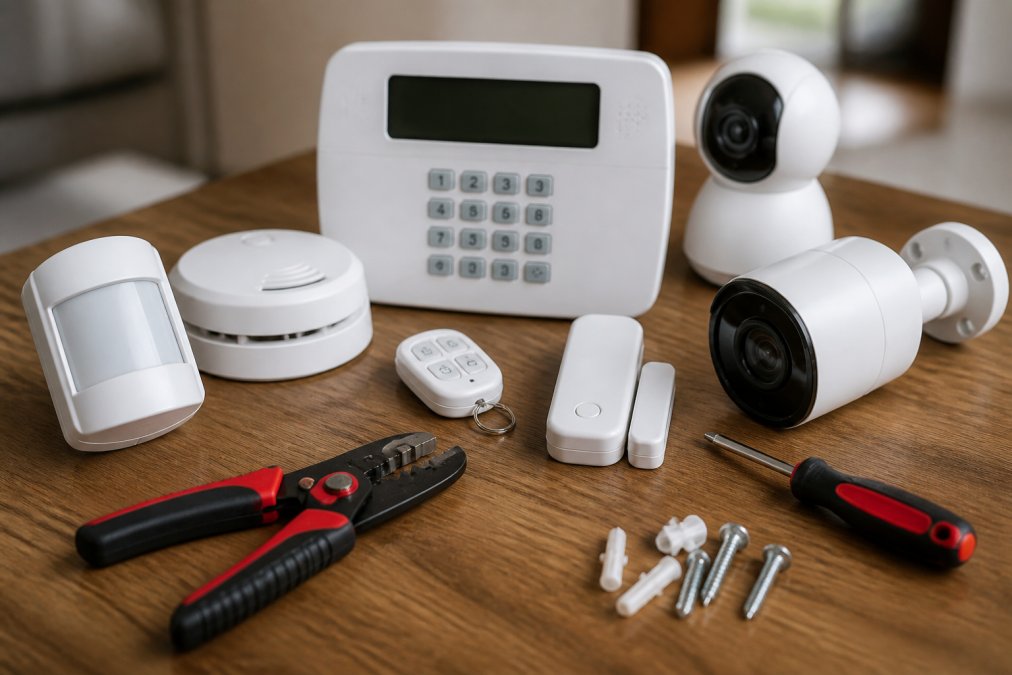
Professional monitoring adds a 24/7 response layer, while self-monitoring relies on your phone. Most modern setups also include CCTV surveillance, motion sensors and a video doorbell.
Wireless vs Wired Security System Installation
Wireless vs wired security system installation comes down to three trade-offs: cost, disruption and reliability. Wireless wins on speed and flexibility. Wired wins on long-term reliability and immunity to signal interference, but it means running cable through walls and ceilings.
For most established homes, a hybrid approach is the practical answer. Keep the hardwired perimeter on the older circuit and add wireless sensors to rooms that were never cabled. A licensed technician can assess which existing wiring is worth keeping.
Professional Home Alarm Installation Cost: What to Expect
Professional home alarm installation cost in Australia is driven less by the brand on the box and more by the labour required to get sensors to the right places. A basic wireless alarm with a handful of entry sensors and a keypad can be installed in a few hours. A full residential setup with perimeter sensors, CCTV, a video doorbell and monitored back-to-base signalling is a full-day job or more, and the price reflects that.
Pricing for a standard single-storey home depends on various factors:
- Entry-level wireless alarm: a small number of door and window sensors, a motion sensor and a keypad. Usually the lowest labour component because sensors are adhesive or screw-mounted and no cabling is run.
- Mid-range hybrid system: hardwired perimeter on existing cabling, plus wireless sensors in rooms that were never cabled. Labour rises because the technician must test and reuse existing circuits.
- Full integrated package: alarm, CCTV, video doorbell, smart locks and app control. The highest hardware cost and the longest commissioning time.
What pushes the number up:
- Number of entry points. Every door, window, garage and side gate is a potential sensor. A home with six entry points costs materially less than one with twenty.
- Wall construction. Running cable through double-brick or double-storey walls takes longer than through plasterboard or timber frame, and the labour is the single biggest variable in most quotes.
- Cable runs and roof space. A single-storey home with accessible roof space is straightforward. A multi-level home with a tiled roof and no cavity access is not.
- CCTV camera count and resolution. More cameras mean more cabling, more storage and more commissioning time. Higher-resolution cameras also increase the recorder and storage requirement.
- Monitoring versus one-off hardware. A monitored system carries an ongoing subscription. A self-monitored system has no monthly fee but relies on you to act on alerts.
Two cost traps are worth naming. Two cost considerations are worth naming. The first is the quote that excludes callout fees, after-hours rates or the cost of running cable. The second is the monitoring contract, where a low hardware price is recovered through a long contract at a monthly rate. Ask for the total cost of ownership over three years, not just the install day.
This is also where the insurance angle sits.
The cheapest quote often hides the real cost in callout fees and monitoring lock-ins. Ask what is included, and ask for the three-year total, before comparing numbers.
Request a written quote that separates hardware, labour and monitoring. That breakdown is what lets you compare providers honestly and what your insurer may ask to see.
Smart Home Security Integration Services Explained
Smart home security integration services connect your alarm, cameras, locks and garage door into one system you control from a mobile app. That means remote access, live camera feeds and instant alerts from one interface instead of five separate apps.
- Proprietary ecosystems lock you into one brand’s hub and app. They integrate cleanly within the brand but poorly outside it.
- Open standards such as Zigbee, Z-Wave and Matter allow devices from different manufacturers to work through a compatible hub. Matter in particular is designed to let a sensor from one brand trigger an action on a device from another.
- Wi-Fi devices are easy to add but can congest a home network and drop offline when the router struggles.
Privacy and data security protocols
This is the part most sales pages skip. Cloud-connected cameras and smart locks generate a continuous stream of data about when you are home, when you are away and who visits. Where that data lives, and who can access it, is a security question in its own right.
Ask any provider these questions before you sign:
- Where is footage stored? Cloud storage means a third-party server. Local storage on a recorder in your home keeps the footage on your premises.
- Is the connection encrypted? Look for end-to-end or strong transport encryption between device, app and server.
- How long is data retained? A short retention window reduces the damage if an account is ever compromised.
- Who has access? Confirm whether the provider, its staff or any third party can view your feeds.
- What happens if the vendor is breached or shuts down? A system that becomes a brick when a cloud service ends is a poor long-term investment.
Post-installation support and troubleshooting
The after-care experience is what separates a good installation from a good system. Expect to need:
- Battery replacement across wireless sensors, typically on a multi-year cycle depending on usage.
- Firmware updates for cameras, panels and hubs, which often carry security patches as well as feature changes.
- False alarm management, where a sensor is repositioned or a pet-immune setting is adjusted after a nuisance trigger.
- App and account support when a device drops off the network or a login fails.
| System Type | Best For | Installation Effort | Ongoing Cost |
|---|---|---|---|
| Hardwired | New builds, renovations | High | Low |
| Wireless | Rentals, quick upgrades | Low | Medium |
| Hybrid | Older homes | Medium | Medium |
| Smart integrated | Full automation | Medium-High | Subscription |
DIY vs Professional Installation: A Cost-Benefit Analysis
DIY installation has become the most popular choice, with a 2026 study finding 51% of shoppers now prefer to install systems themselves, per Security.org’s DIY home security study. The appeal is obvious: lower upfront cost and no waiting for an appointment.
Ask your installer to document sensor placement and test results. Insurers increasingly want that paperwork when you claim a discount.
Insurance Premium Reductions and Privacy Protocols
Insurance premium reductions are one of the most overlooked reasons to install professionally. Many insurers offer discounts for monitored alarm systems, but they usually require evidence of compliant installation and ongoing monitoring. The saving compounds over years, often offsetting a chunk of the hardware cost.
Choosing the Right Residential Security Installation Provider
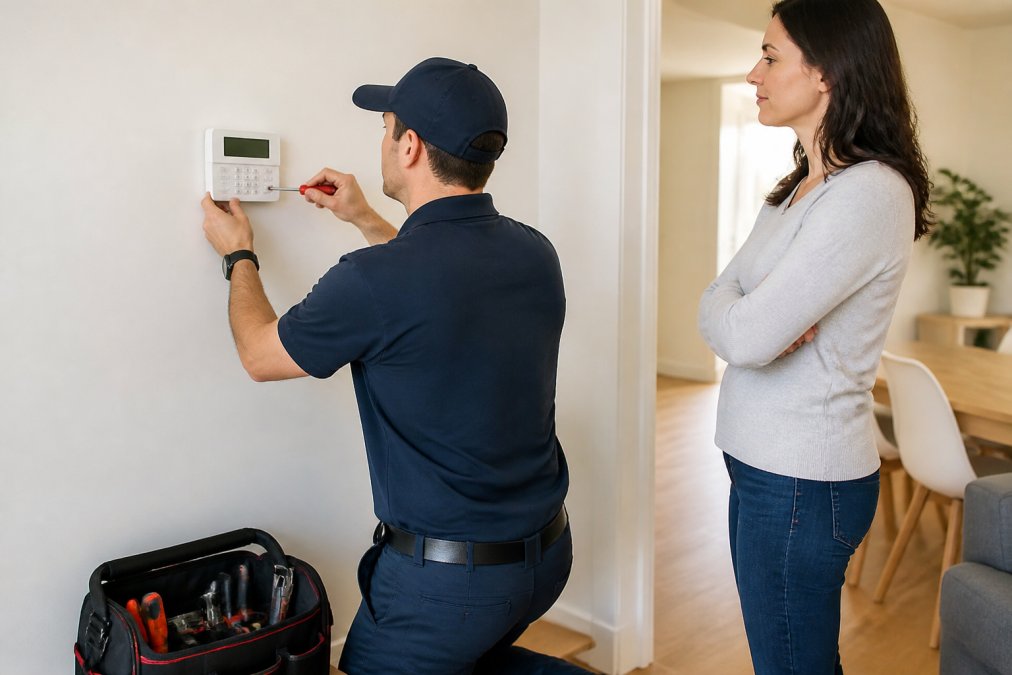
Choosing the best residential security system installation provider comes down to licensing, local presence and transparency. Verify the technician’s security certification, confirm they carry insurance, and ask for a written quote before any work begins.
A proper security assessment should cover:
- Entry point survey and vulnerability check
- Existing hardware audit
- Clear written quote with no callout surprises
- Warranty terms and post-installation support
Frequently Asked Questions
Is it better to DIY or hire a professional for security system installation?
It depends on your comfort with wiring and your home’s layout. Professional residential security installation ensures correct sensor placement, proper hardwiring where needed, and compliance with Australian standards. For complex setups or older homes with existing wiring, a licensed technician is often the safer choice.
How much does professional home alarm installation cost?
The total professional home alarm installation cost depends on the number of sensors, whether wiring is required, and the complexity of your smart home security integration services. Always request a quote and an itemised breakdown before work begins to avoid surprise charges.
Do professional security installations increase home value?
A professionally installed security system can be a selling point, particularly for buyers who prioritise safety. A well-installed, maintained system signals a cared-for property. Keep documentation of your installation and any monitoring contracts to show prospective buyers.
How long does a typical residential security system installation take?
Most standard residential security installation takes between four and eight hours. Wireless systems are typically faster because they require less drilling and cabling. Hardwired systems or setups with multiple cameras, motion sensors, and smart home security integration services can take a full day or more. Your installer should provide a time estimate upfront and confirm whether any follow-up visits are needed for configuration or testing.
Locking down a home is not a one-off purchase; it is an ongoing relationship with whoever installed and maintains the system. Morayfield Locksmiths brings 24-hour availability, honest upfront pricing and expertise across alarms, CCTV, electronic locking and smart garage technology, all delivered by a family-owned team that has served the region since 1994. Get started with Morayfield Locksmiths and secure your property with a system built to actually work when it counts.